The 10 Best Productivity Apps in 2026
By Mirco Neri, founder of Athena. Last updated 25 November 2026.
A note before the list. We make Athena, and we put it first. You should weigh that. To keep the rest fair, every app below gets the thing it does better than anyone else, including better than us, and a plain line on who should pick it. Prices were checked on 25 November 2026.
The short answer
The best productivity apps in 2026, and what each is best at:
- Athena: best for turning goals into what you do today
- Sunsama: best for a calm daily planning ritual
- Reclaim: best for protecting time on your calendar
- Notion: best all-in-one workspace
- Obsidian: best for notes you own
- Todoist: best simple task list on every device
- TickTick: best value for tasks, habits and focus in one app
- Motion: best for scheduling a packed calendar automatically
- Things 3: best designed task manager, for Apple users
- Microsoft To Do: best free option
Comparison table
| App | Best for | Price | Works on |
|---|---|---|---|
| Athena | Goals into daily priorities | Free while it is small | Web, installs on iPhone and Android |
| Sunsama | Daily planning ritual | $17 to $22 a month, 14-day trial | Web, desktop, mobile |
| Reclaim | Protecting calendar time | Free plan; from $10 a seat a month | Google Calendar, Outlook |
| Notion | All-in-one workspace | Free; Plus $10 a user a month | Web, desktop, mobile |
| Obsidian | Notes you own | Free; Sync $4 to $5 a month | Desktop, mobile |
| Todoist | Simple task list | Free; Pro $5 to $7 a month | Everything |
| TickTick | Tasks, habits and focus | Free; Premium about $36 a year | Everything |
| Motion | Automatic scheduling | $29 to $49 a month, no free plan | Web, desktop, mobile |
| Things 3 | Design, Apple users | One-time purchase per device | Mac, iPhone, iPad, Watch |
| Microsoft To Do | Free and simple | Free | Everything |
How we chose
Most lists rank apps by how many features they have. We ranked them by a different question: at the end of the week, did the things that matter to you actually move?
A tool can save you an hour a day and still leave you busy with the wrong work. So for each app we asked what it is truly best at, who it suits, and what it costs. We drew on our own use, on what Athena's users tell us they use alongside it, and on each company's public pricing.
1. Athena: best for turning goals into what you do today
Athena is the odd one on this list, because saving time is not its aim. It exists to make goals real.
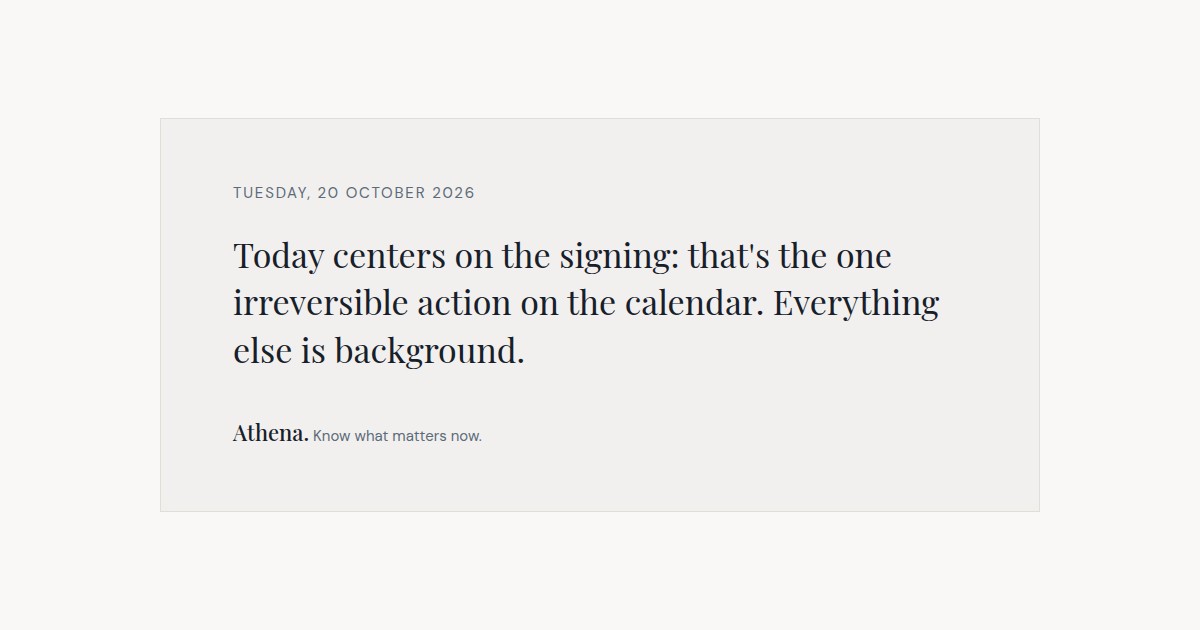
Here is how it works. You tell Athena what you want to reach in the next year or two and what is on your plate this week. Each morning it sends a short briefing that names the one thing that deserves your day, judged against where you said you want to go. Each evening it asks one question about whether it happened. When you state a goal, it drafts a plan with dated milestones that you edit and approve.
Three things set it apart:
- It judges, where other apps list. A to-do list keeps everything you wrote down. Athena tells you which of it matters today.
- It only knows what you choose to tell it. It does not read your inbox or watch your screen. You can connect a calendar, read-only, and you can download or delete everything.
- It stays quiet when there is little to say. A short briefing on a light day is by design.
Where it is weaker. Athena takes work. It asks real questions at the start, and it is only as good as what you tell it. It is a web app with no App Store version yet, and it has no repeating tasks.
Pick it if you already know where you want to get to and want something that holds you to it every day.
Price: free while it is small. It will become a paid product, and people who join now are told in advance.
2. Sunsama: best for a calm daily planning ritual
Sunsama walks you through planning each day: pull in tasks from your other tools, decide what fits, and close the day with a short review. Nothing else on this list is as good at making you plan realistically, because it warns you when you have taken on too much.
Pick it over Athena if you want to arrange your own day by hand, hour by hour, and enjoy the ritual of doing it.
Price: $22 a month, or $17 a month paid yearly. There is no free plan, but there is a 14-day trial.
3. Reclaim: best for protecting time on your calendar
Reclaim puts your habits, focus time and tasks straight into your calendar and moves them when meetings land. If your week is eaten by other people's invitations, it is the best tool here at defending time for your own work.
Pick it over Athena if your main problem is a crowded calendar and you want the defending done for you.
Price: a free Lite plan with one habit. Starter is $12 a seat a month, or $10 paid yearly.
4. Notion: best all-in-one workspace
Notion is documents, databases, wikis and project boards in one place. For a team that wants a single home for everything, nothing is more flexible.
That flexibility is also the risk. Many people spend more time building their Notion than using it.
Pick it if you want to design your own system, or your team needs shared documents and trackers.
Price: free for personal use. Plus is $10 a user a month paid yearly. Full Notion AI is on the Business plan at $20.
5. Obsidian: best for notes you own
Obsidian keeps your notes as plain text files on your own device and lets you link them into a web of ideas. No company can lock you out of your own writing, and thousands of community plugins extend it.
Pick it if you think by writing and want a private, lasting place for your notes.
Price: the app is free. Sync between devices is $5 a month, or $4 paid yearly.
6. Todoist: best simple task list on every device
Todoist has done one thing well for over a decade: you type "call the bank tomorrow at 9" and it files the task correctly. It runs on every device and stays out of your way.
Pick it if you want a fast, reliable list and nothing more.
Price: free for up to five projects. Pro is $7 a month, or $5 paid yearly.
7. TickTick: best value for tasks, habits and focus in one app
TickTick combines a task list, a calendar view, a habit tracker and a focus timer. If you would otherwise pay for three apps, it replaces them for the price of one.
Pick it if you want tasks and habits together at a low price.
Price: a free plan with limits. Premium is about $36 a year.
8. Motion: best for scheduling a packed calendar automatically
Motion takes your tasks and deadlines and builds your schedule for you, then rebuilds it every time something changes. For people with heavy calendars and many deadlines, it removes the daily puzzle of what goes where.
The trade-off is control, and price. When one task runs long, the whole plan shifts.
Pick it if you have more deadlines than hours and are happy to let software arrange your day.
Price: from $29 a month paid yearly, or $49 monthly, for one person. There is no free plan.
9. Things 3: best designed task manager, for Apple users
Things 3 is the most pleasant task manager to use. It is fast, quiet and beautifully made, and you buy it once with no subscription.
Pick it if you live on Apple devices and want a tool you will enjoy opening. It does not run on Windows, Android or the web.
Price: a one-time purchase for each device type.
10. Microsoft To Do: best free option
Microsoft To Do is lists, tasks and steps, with a simple "My Day" view. It does not try to be your calendar, your notes and your habit tracker at once, and that restraint is why people stick with it.
Pick it if you want something free that works on every device and takes one minute to learn.
Price: free.
Which one should you pick?
- You know your goals and keep losing them in the week: Athena.
- You want to plan each day by hand: Sunsama.
- Meetings take over your calendar: Reclaim, or Motion if you want everything scheduled for you.
- You need one place for a team's knowledge: Notion.
- You think by writing: Obsidian.
- You just want a list: Todoist, TickTick, Things 3 or Microsoft To Do.
One warning applies to all ten. The moment keeping a system up to date becomes a job of its own, it has stopped helping. A good test is whether you would still open it on a bad day.
Frequently asked questions
What is the best productivity app in 2026?
It depends on the problem you have. For deciding what matters each day against your long-term goals, we recommend Athena. For manual daily planning, Sunsama. For a simple, free list, Microsoft To Do.
What is the best free productivity app?
Microsoft To Do is free with no paid tier. Obsidian, Notion, Todoist and TickTick all have useful free plans, and Athena is free while it is small.
Do AI productivity apps actually help?
They help when they reduce decisions and hurt when they add upkeep. Automatic scheduling works well for crowded calendars. For most people the harder problem is choosing the one thing to start with, which is what a daily briefing is for.
What is the difference between a to-do list and Athena?
A to-do list stores what you wrote down. Athena reads what you told it, weighs it against your goals, tells you each morning which item deserves the day, and asks in the evening whether it happened.
Is Notion or Obsidian better?
Notion is better for teams and for building shared systems. Obsidian is better for private notes that stay on your own device as plain files.
What matters to you right now that gets less attention than it deserves?